A little more room to think
Make space for your work.
Tessera arranges your windows into layouts. It asks your existing window manager to move and resize them, and never replaces it.

How it works
You open windows
Open and close windows as you always do.
Tessera computes the layout
It works out where each window should sit, from the layout you picked.
Your window manager moves them
Tessera asks your window manager to move and resize the windows.
Tessera does not replace your window manager.
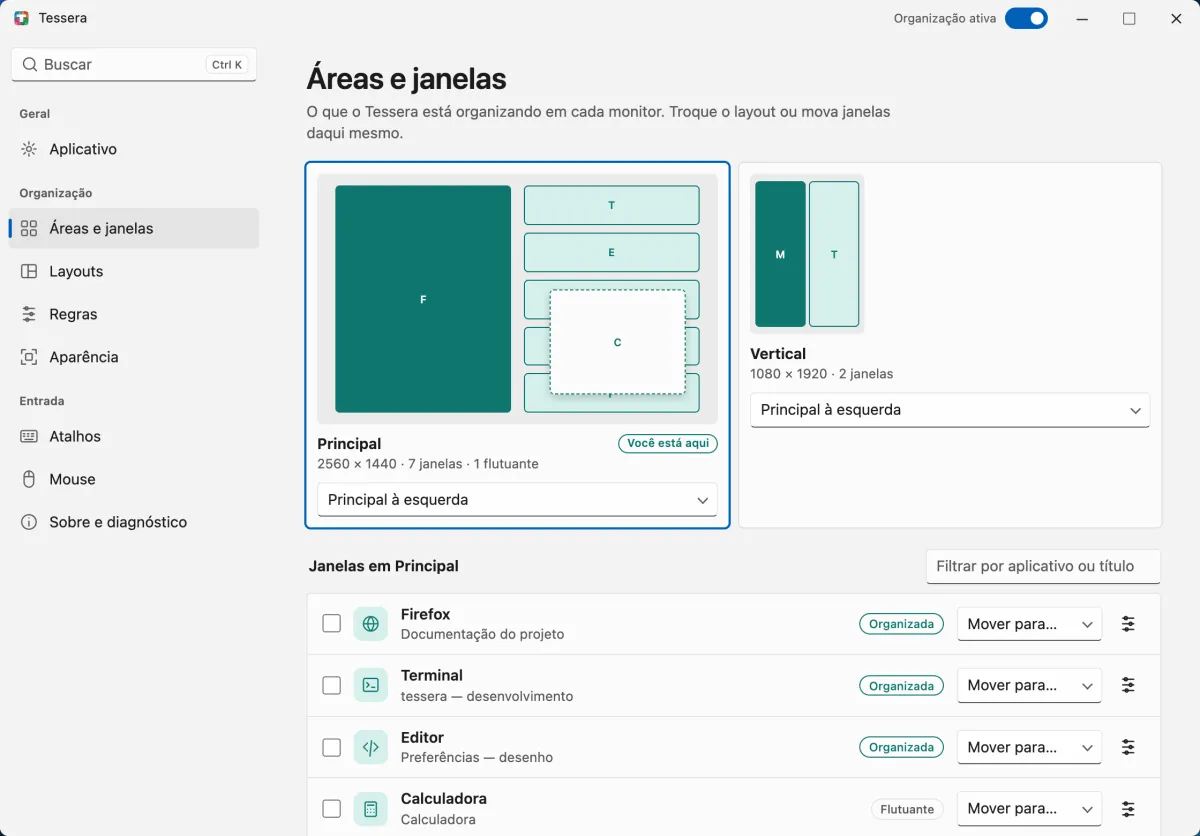
Tessera with a sample layout

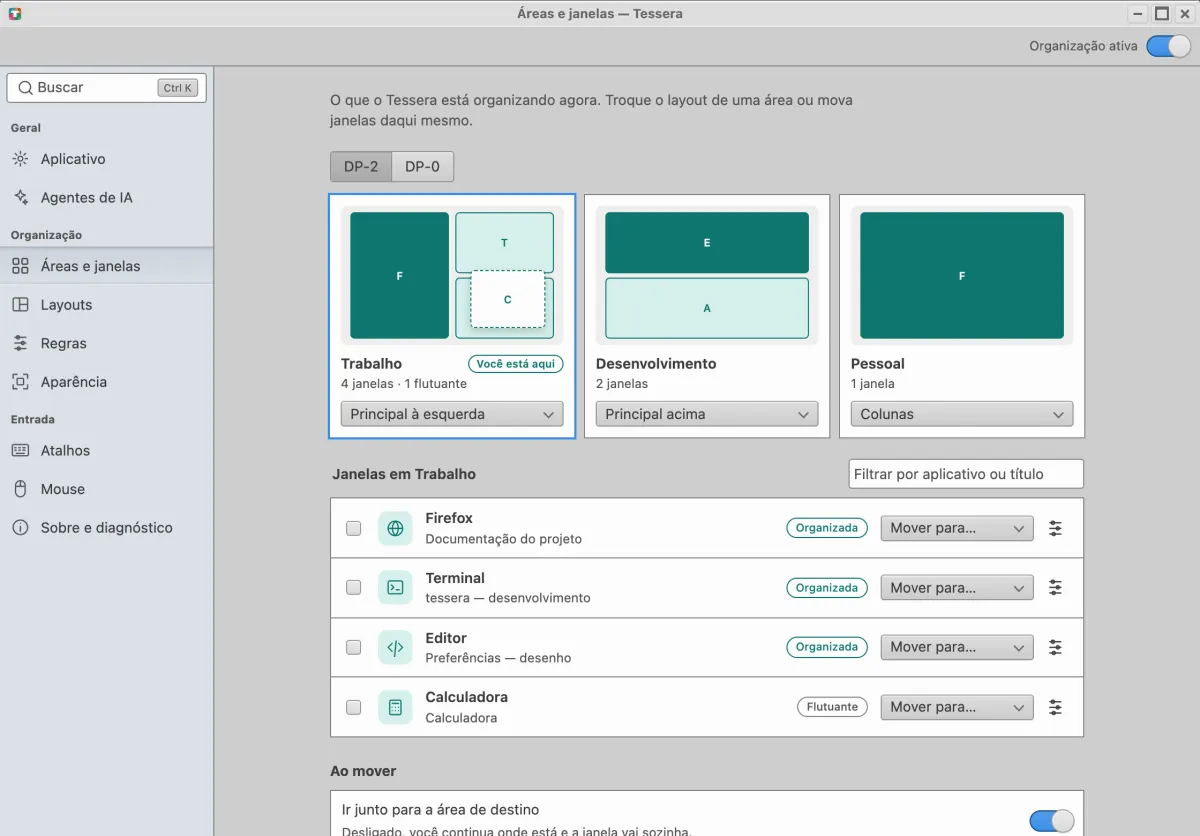
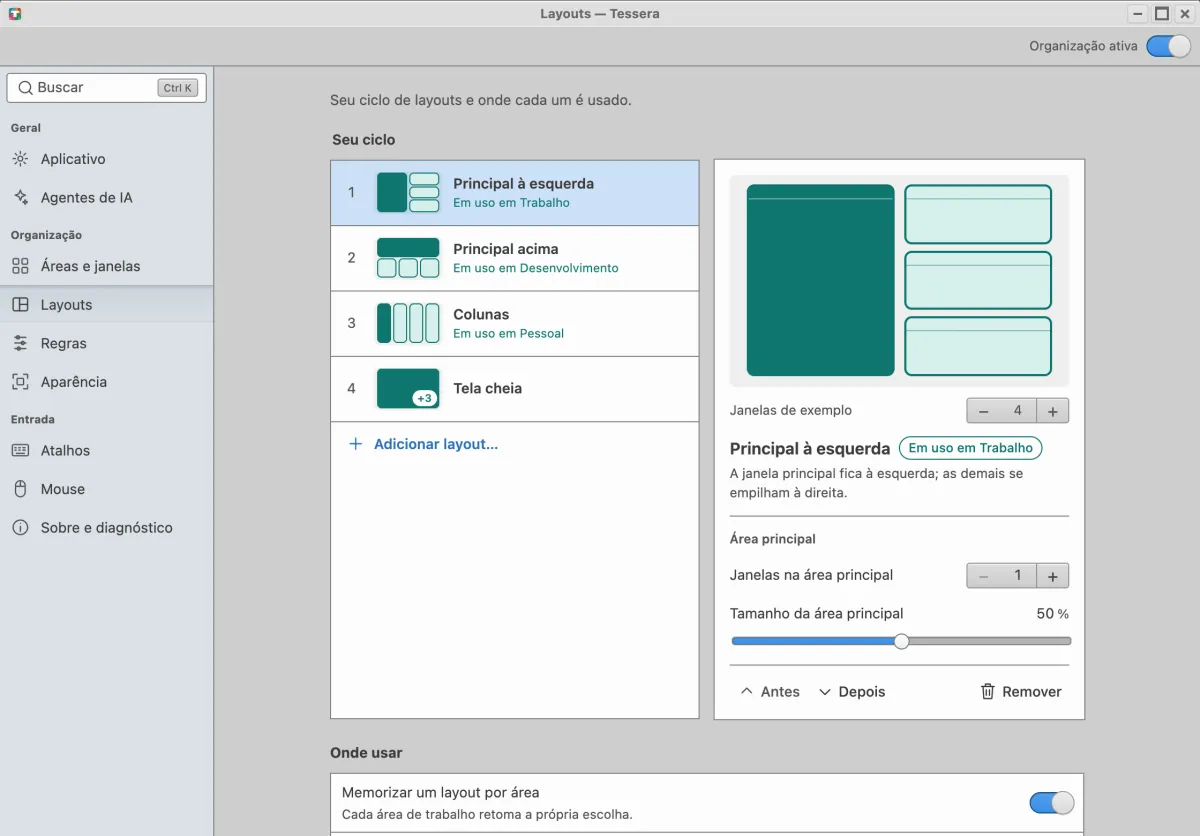
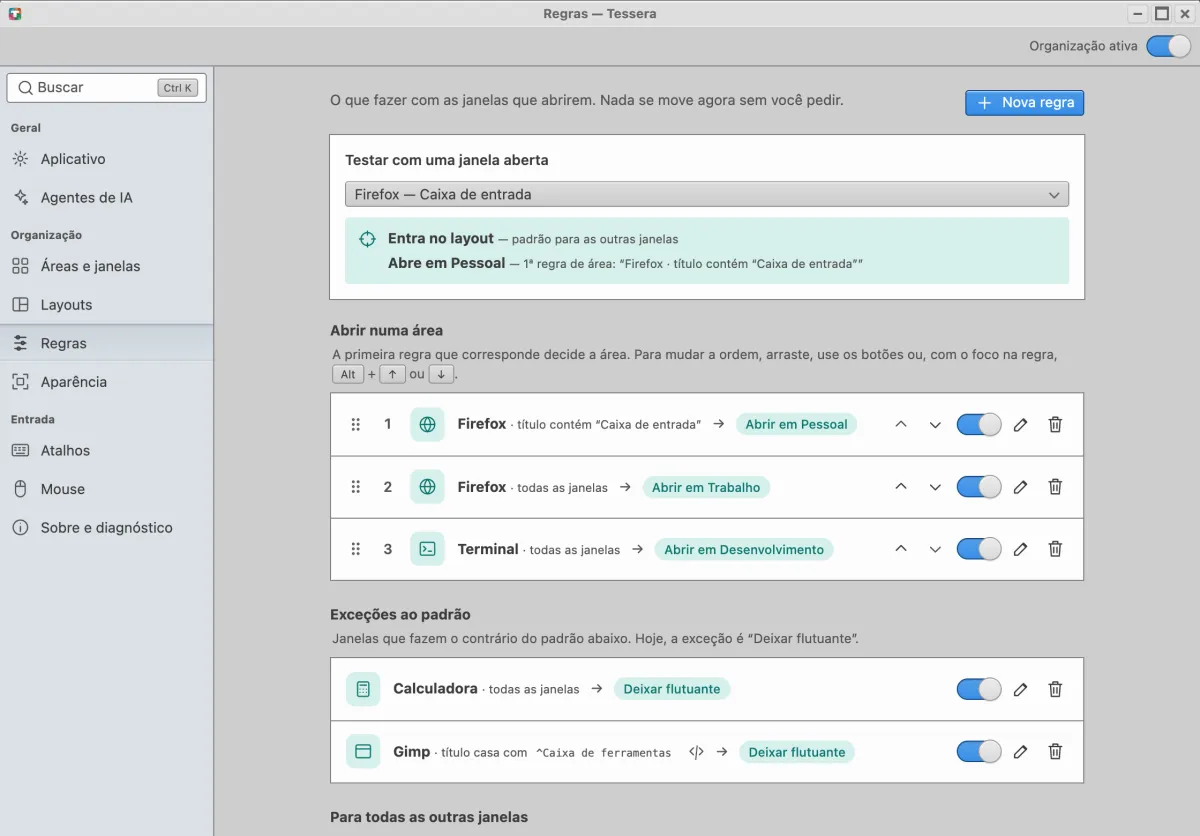
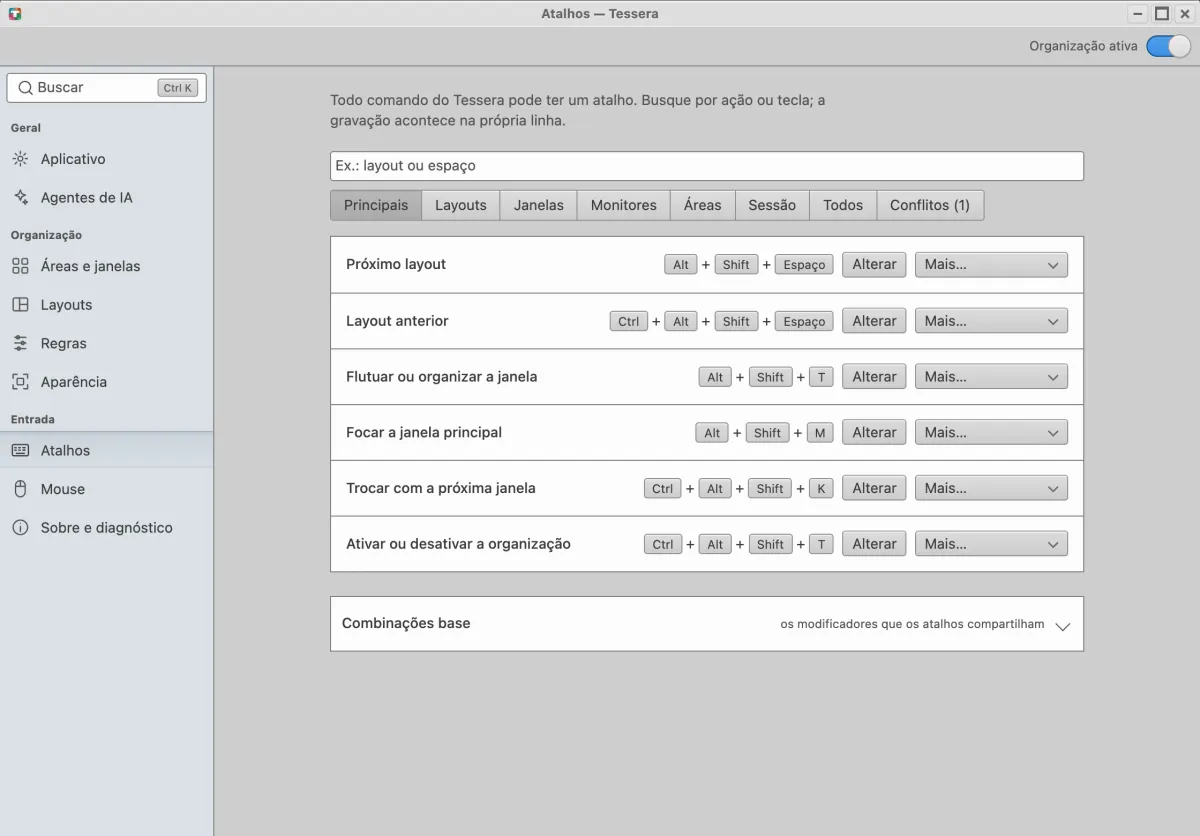
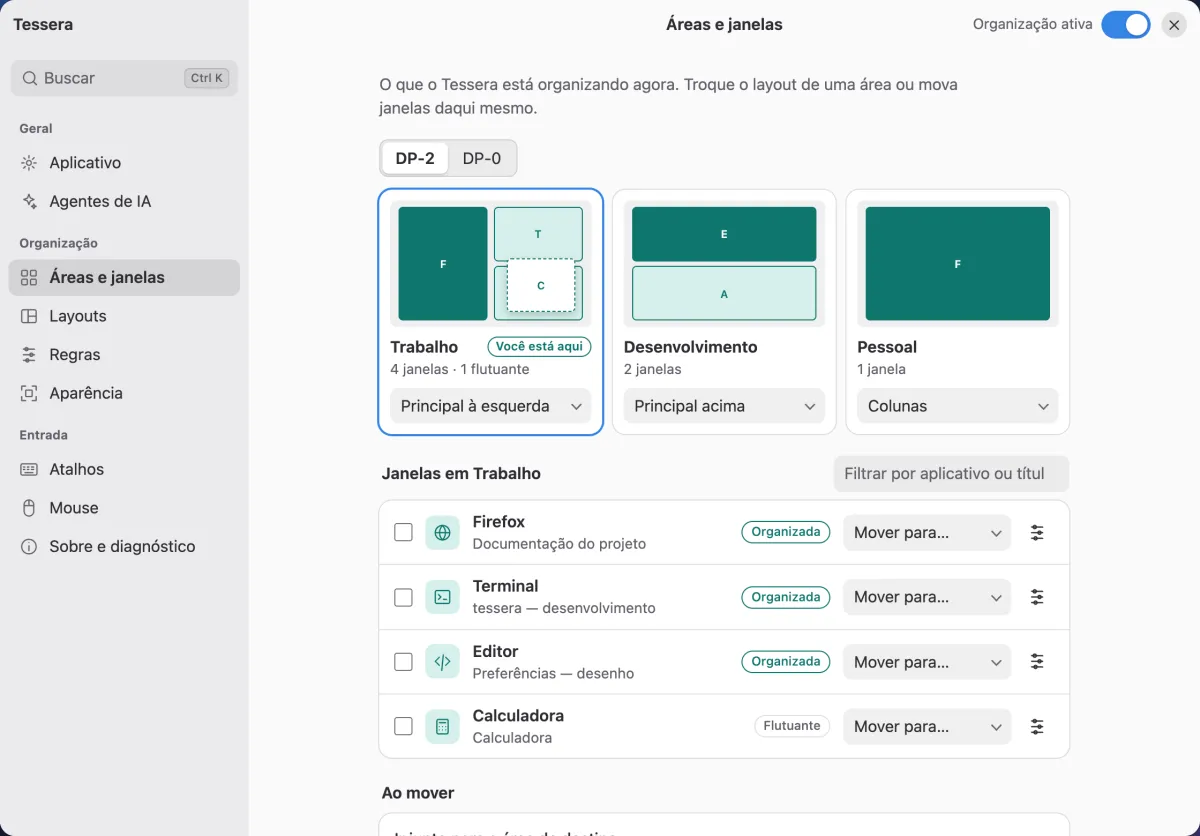
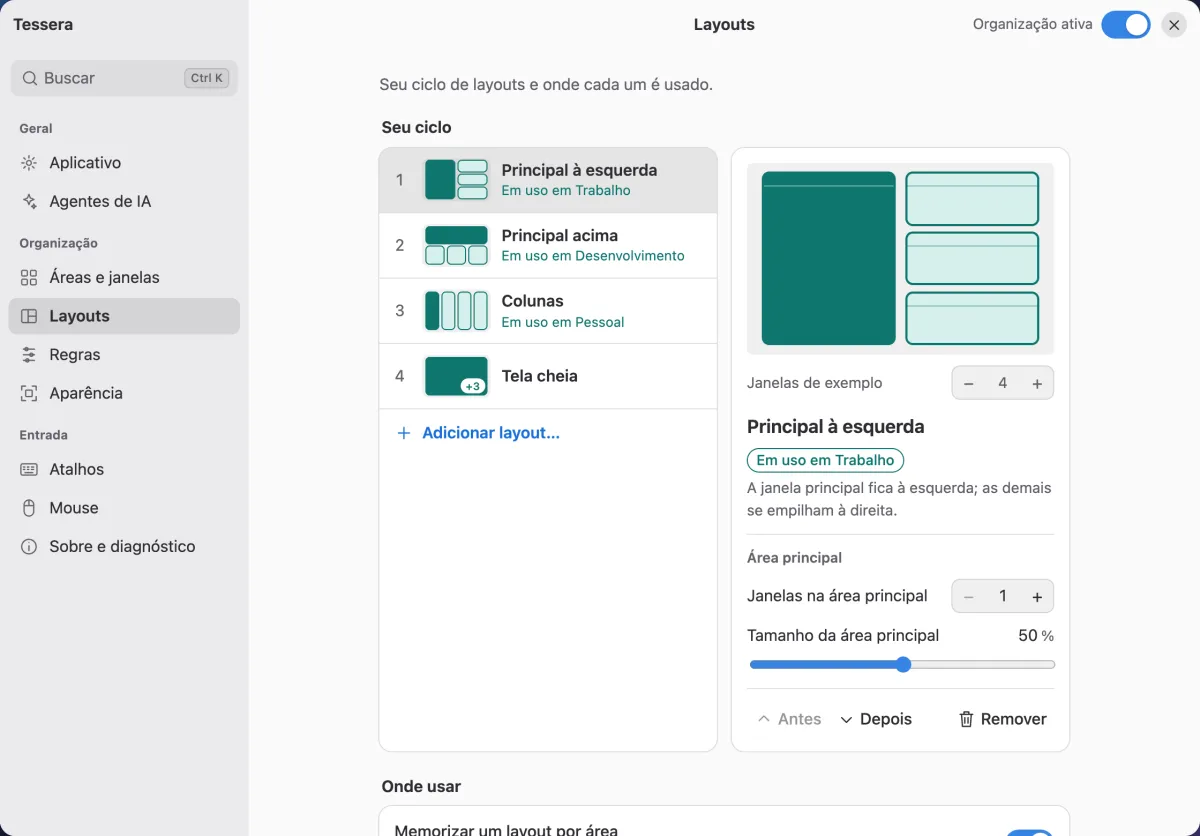
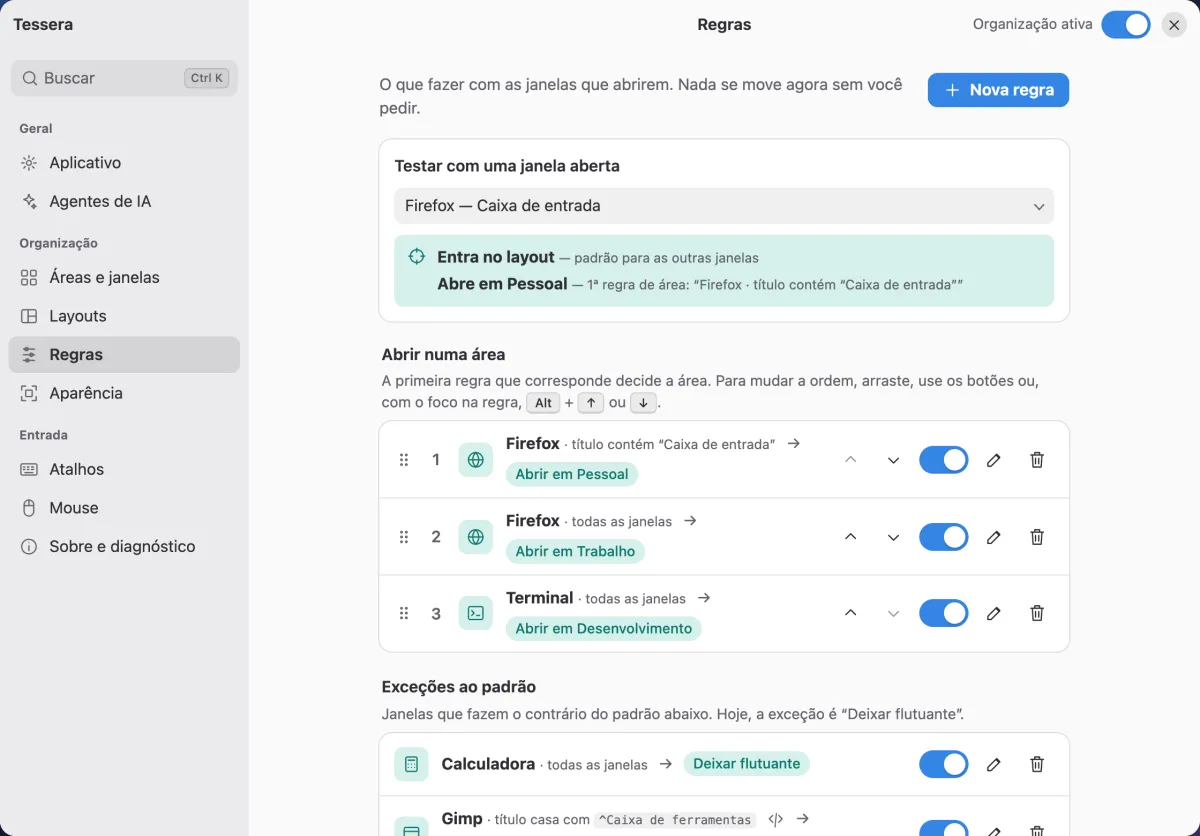
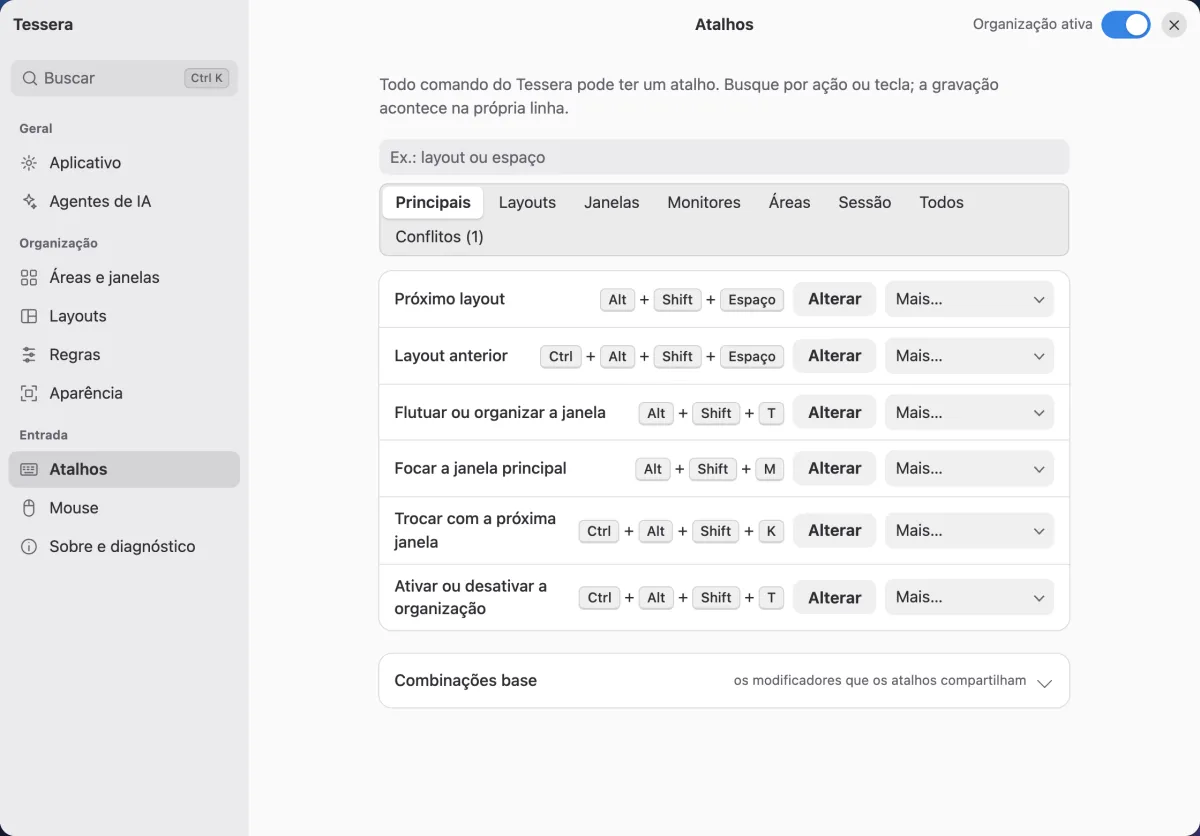
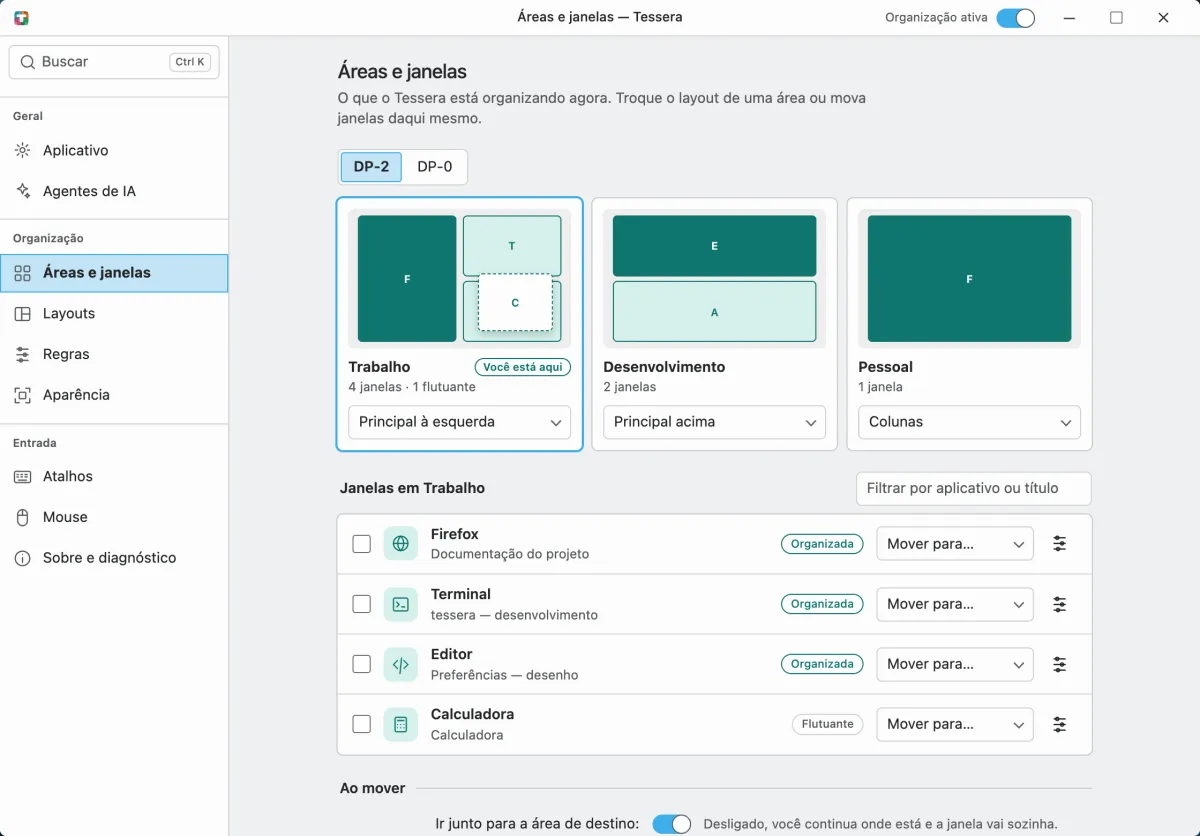
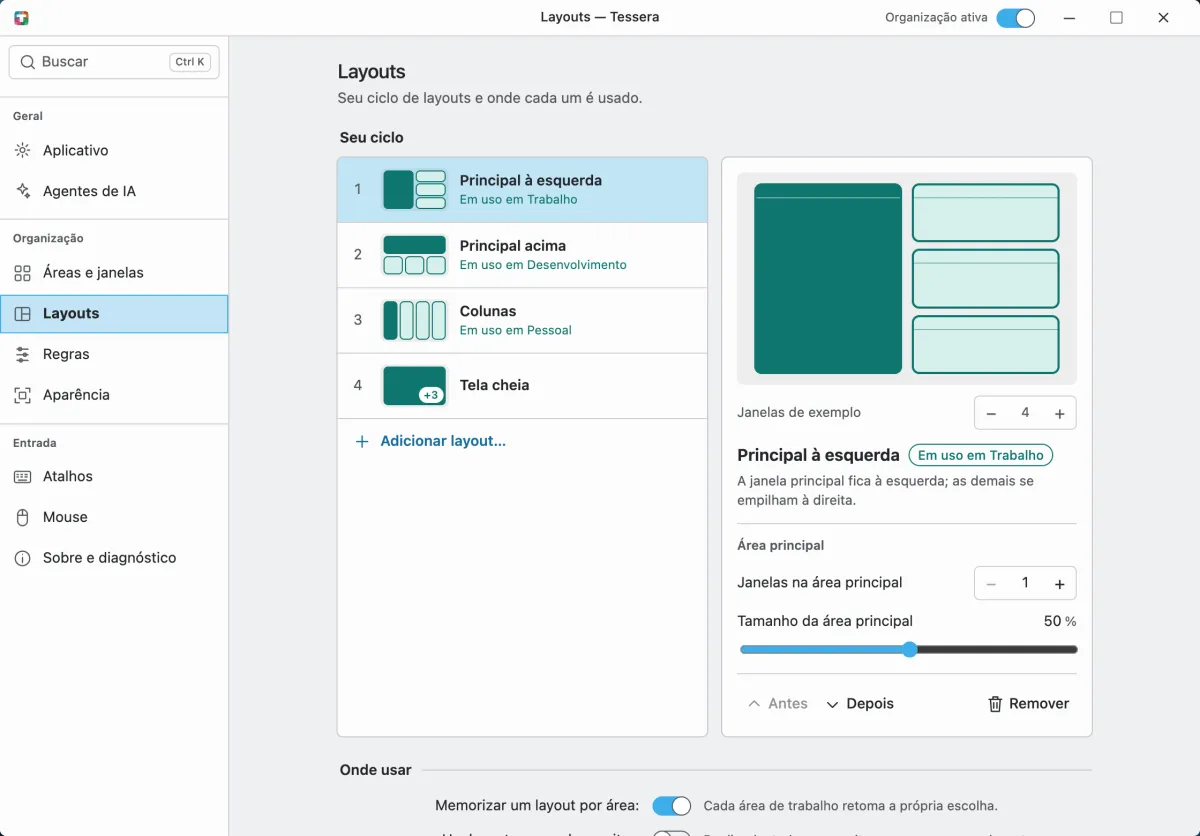

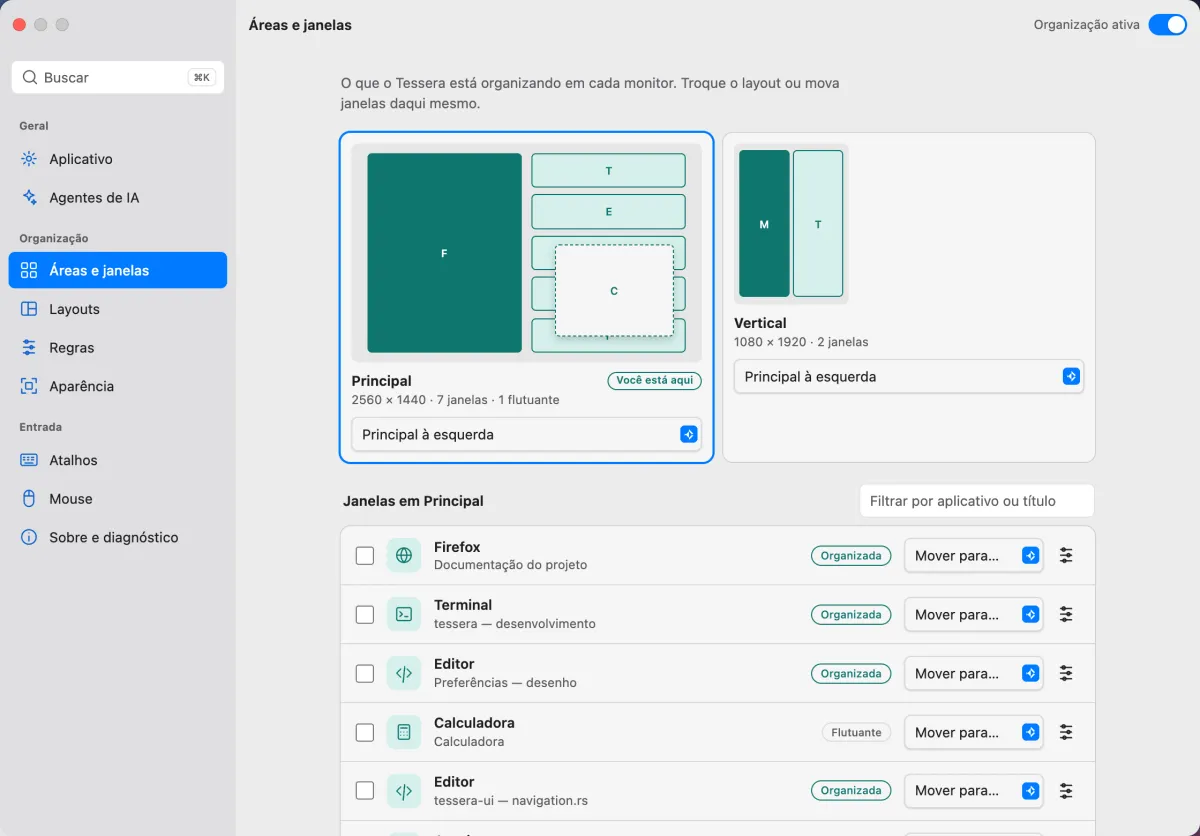
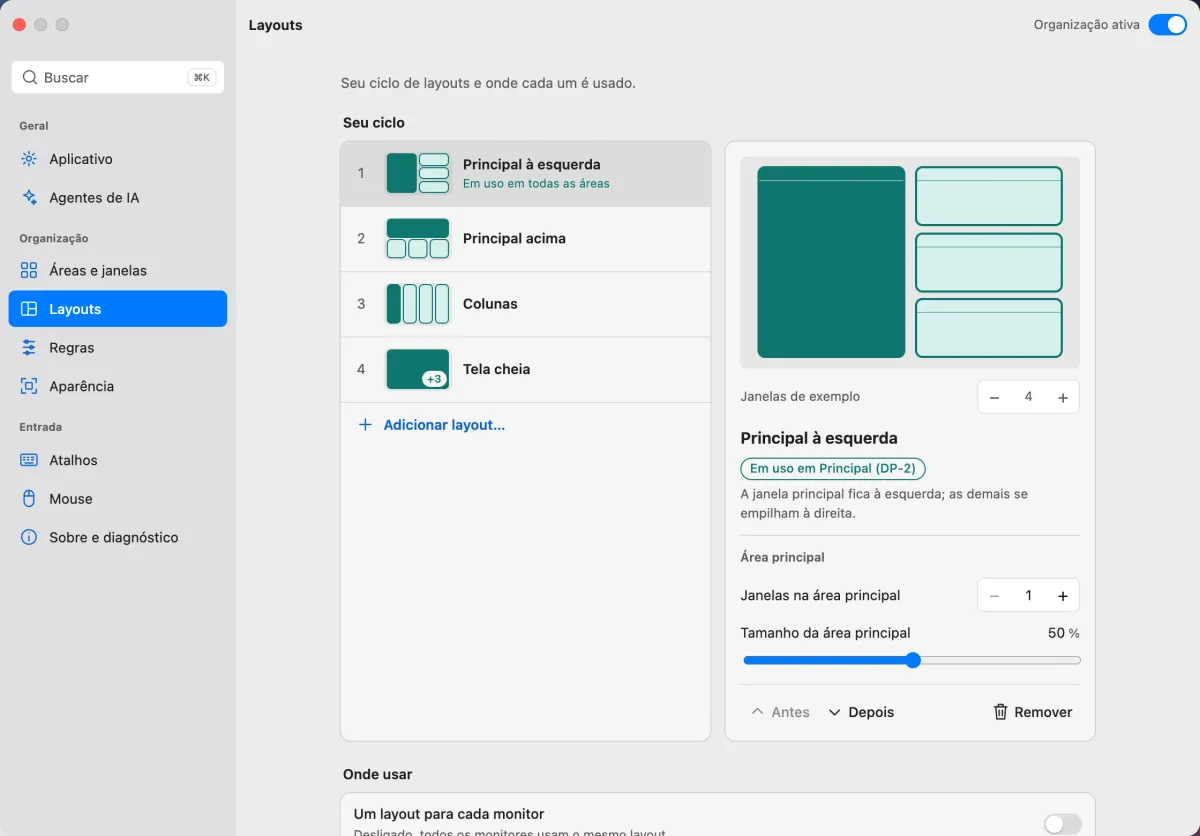
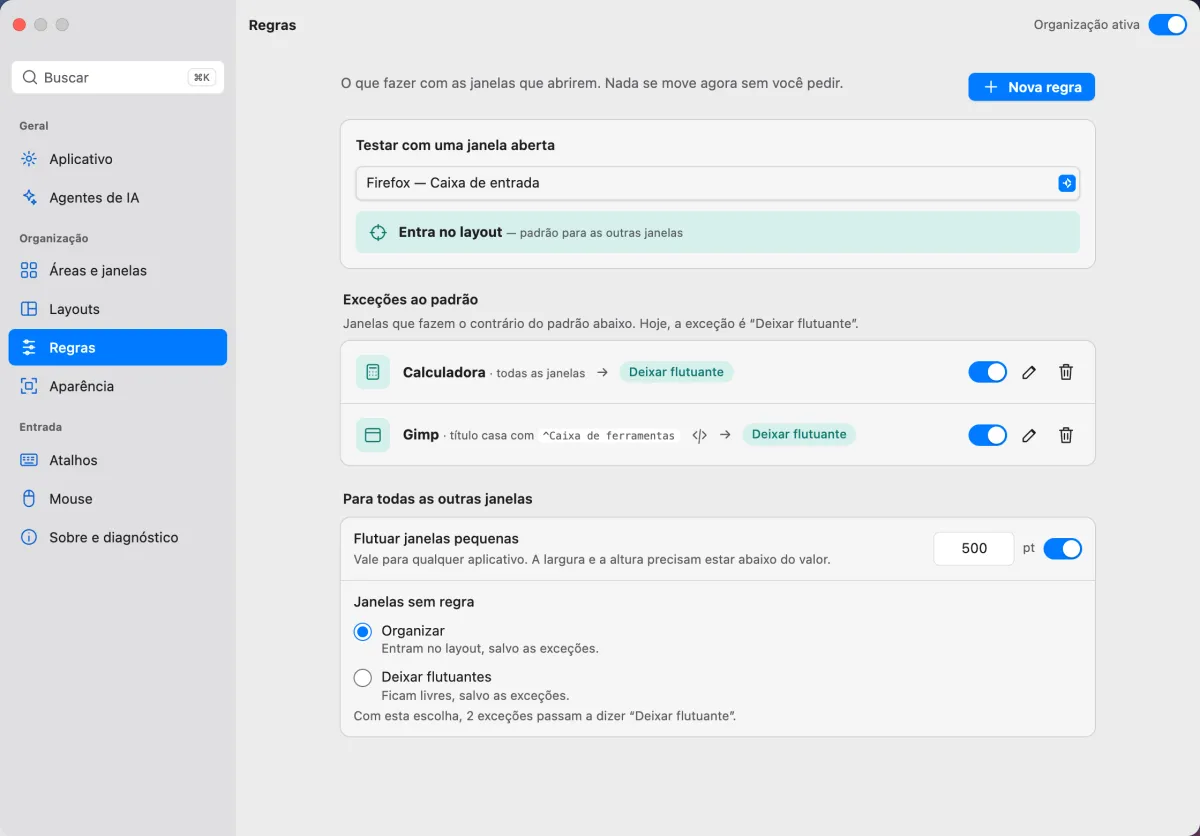
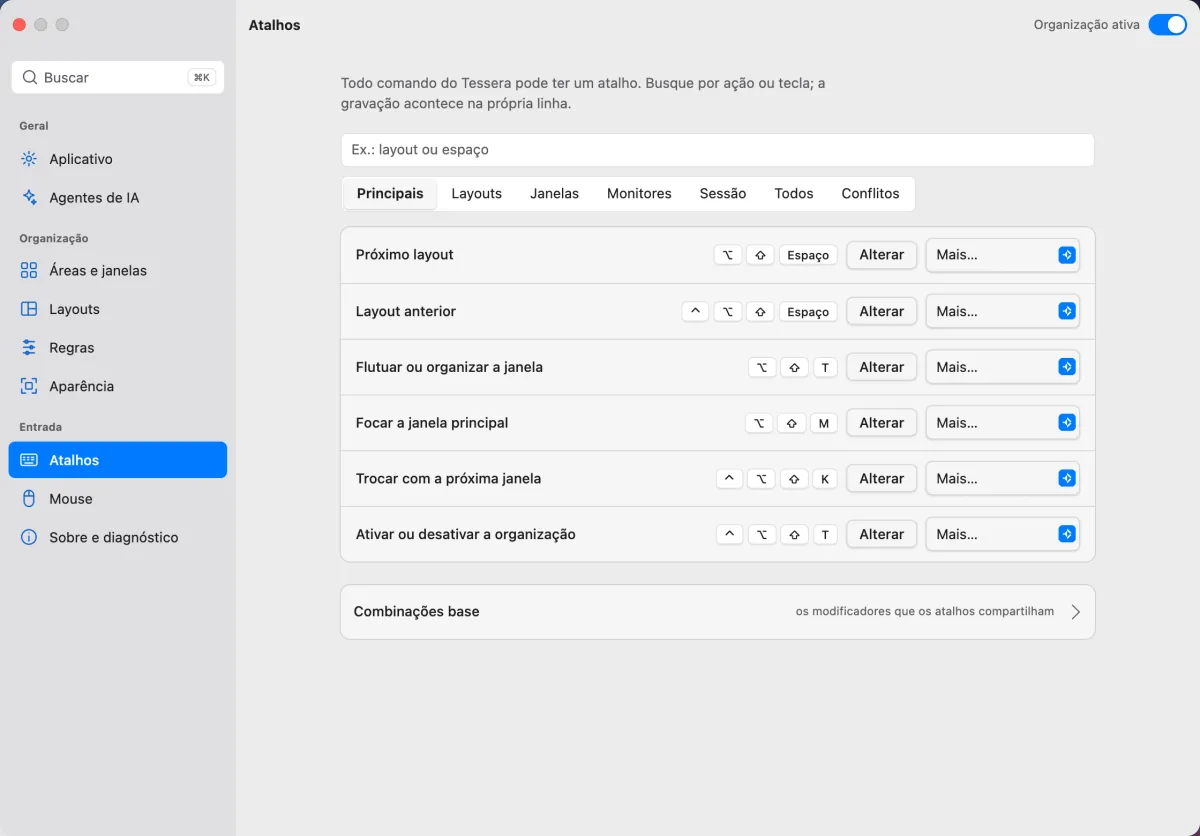
Built-in layouts
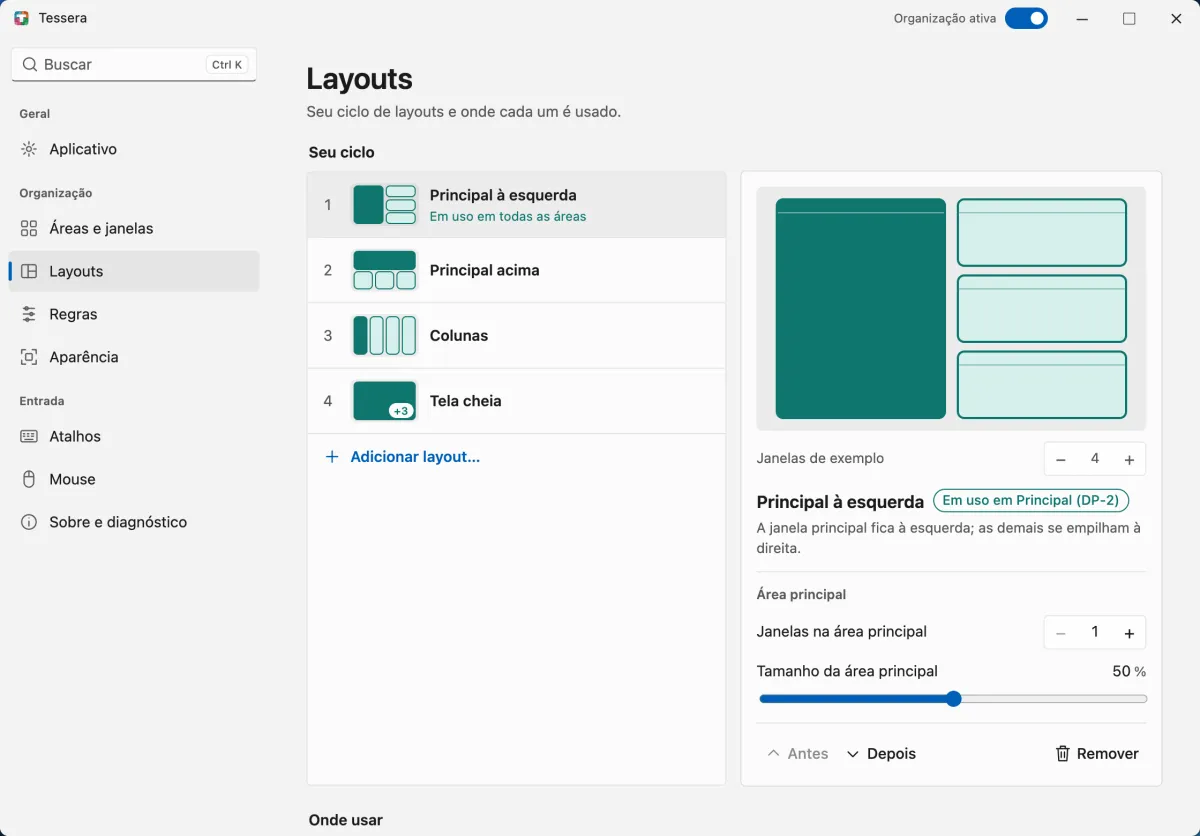
18 layouts
Binary split Columns Floating Four column left Four column right Fullscreen Grid Main in the center Rows Main right Main left Three column left Three column right Two pane right Two pane Main top Main right on widescreen Main left on widescreen
What Tessera does
18 built-in layouts
Arrange windows with tall, wide, grid, binary split, columns, rows, fullscreen, floating, and widescreen layouts. Customize which layouts appear in your cycle.
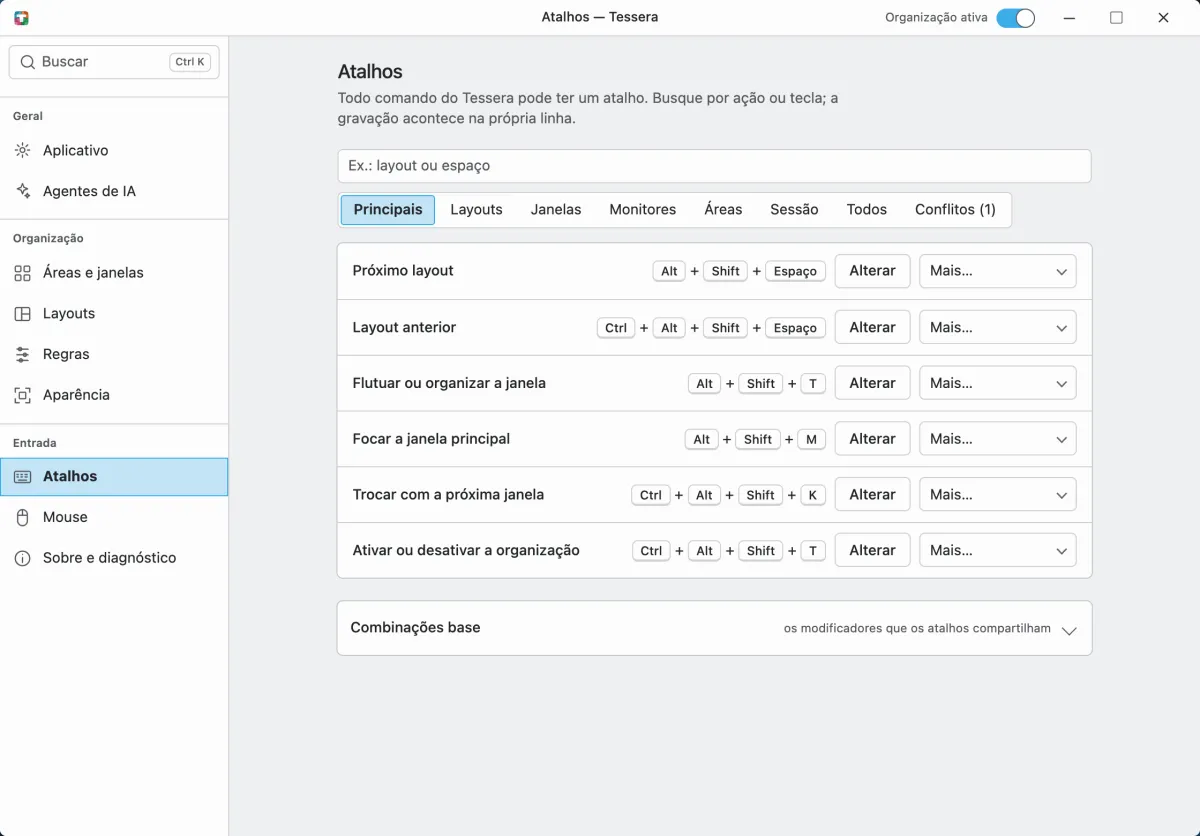
60+ keyboard shortcuts
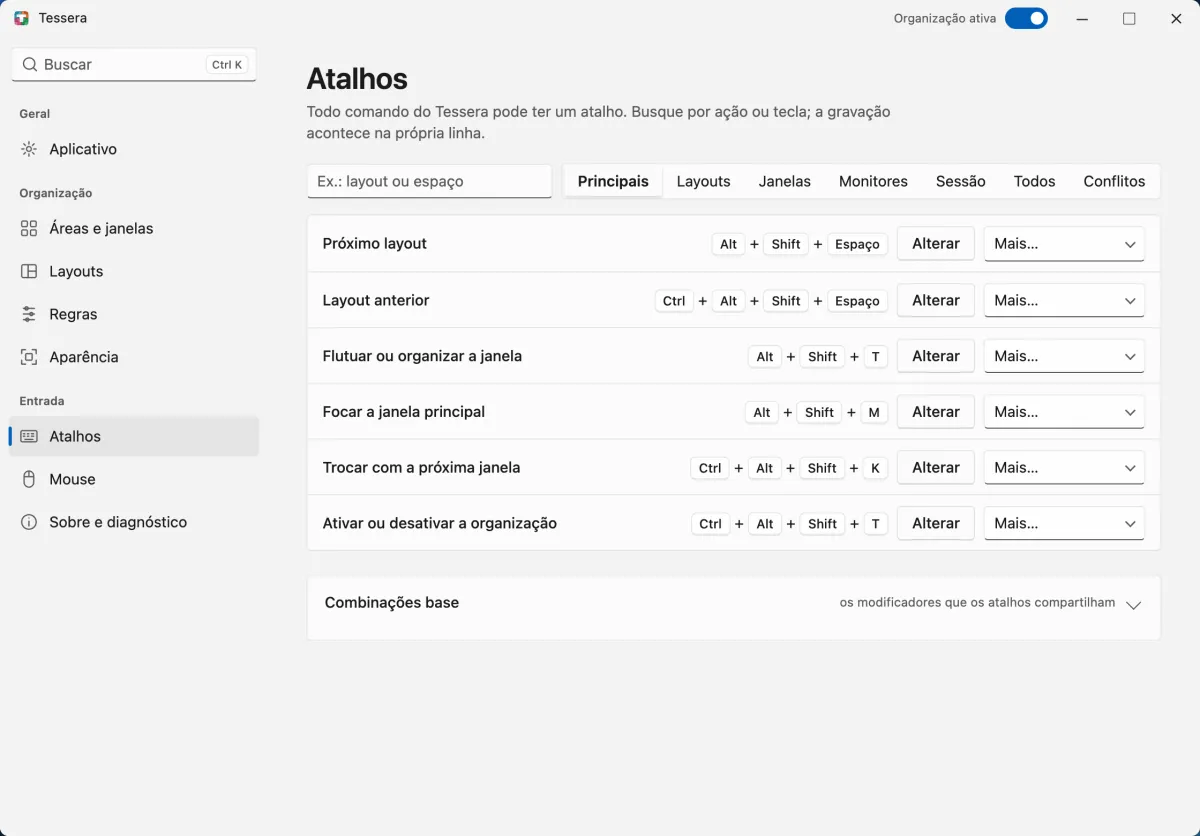
Control focus, layout switching, and window placement across four customizable modifier groups (mod1–mod4). Built-in live conflict detection prevents overlapping bindings.
Custom JavaScript layouts
Write your own layouts in JavaScript and run them in an isolated QuickJS worker. On Linux, the worker is sandboxed with Landlock and seccomp.
Multi-monitor & workspace memory
Each monitor and workspace remembers its own layout, main ratio, and main window count. Plugging or unplugging displays updates automatically.
Native Preferences per desktop
Configure Tessera in a native window built for your desktop—GTK 4, libadwaita, Qt 6/Kirigami, AppKit, or WinUI 3. Changes auto-save, and Ctrl+K or Cmd+K searches every option.
10 built-in languages
Follows your system locale automatically or lets you pick English, Portuguese, Spanish, French, German, Italian, Russian, Chinese, Japanese, or Korean.
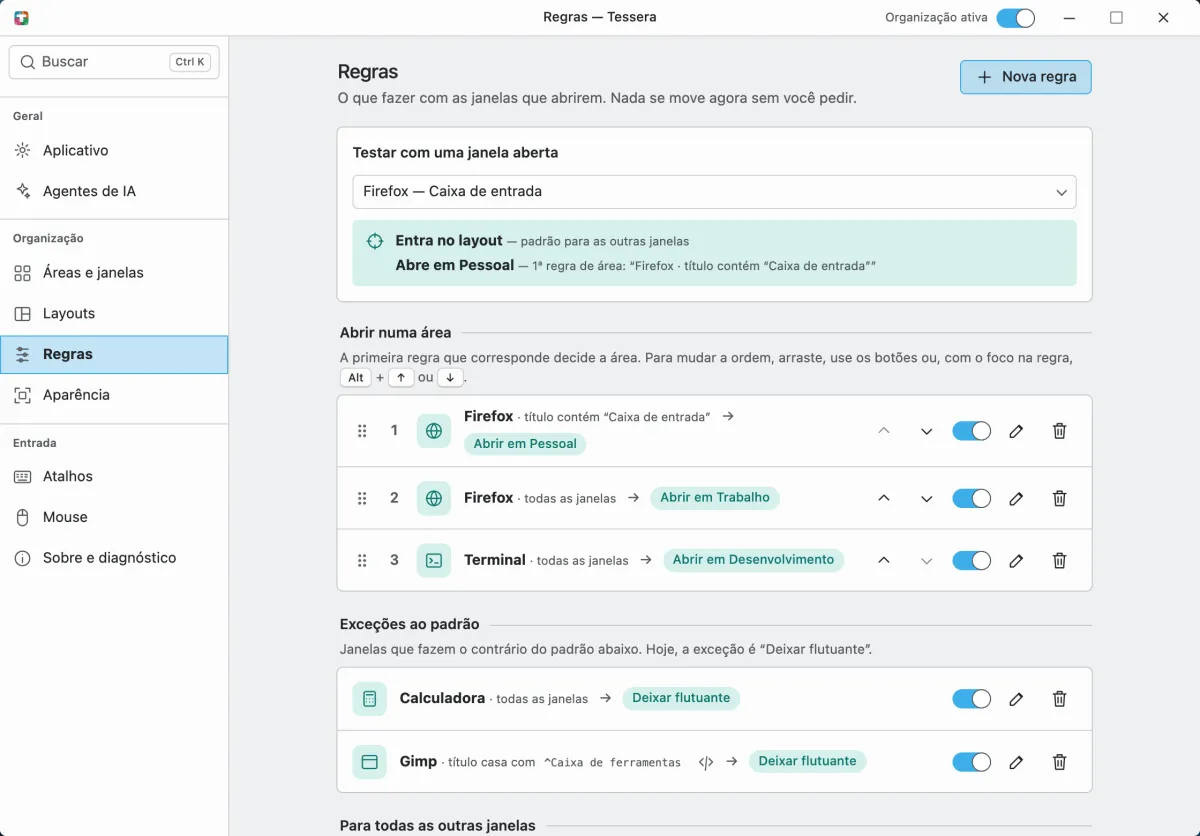
Per-app rules & overflow
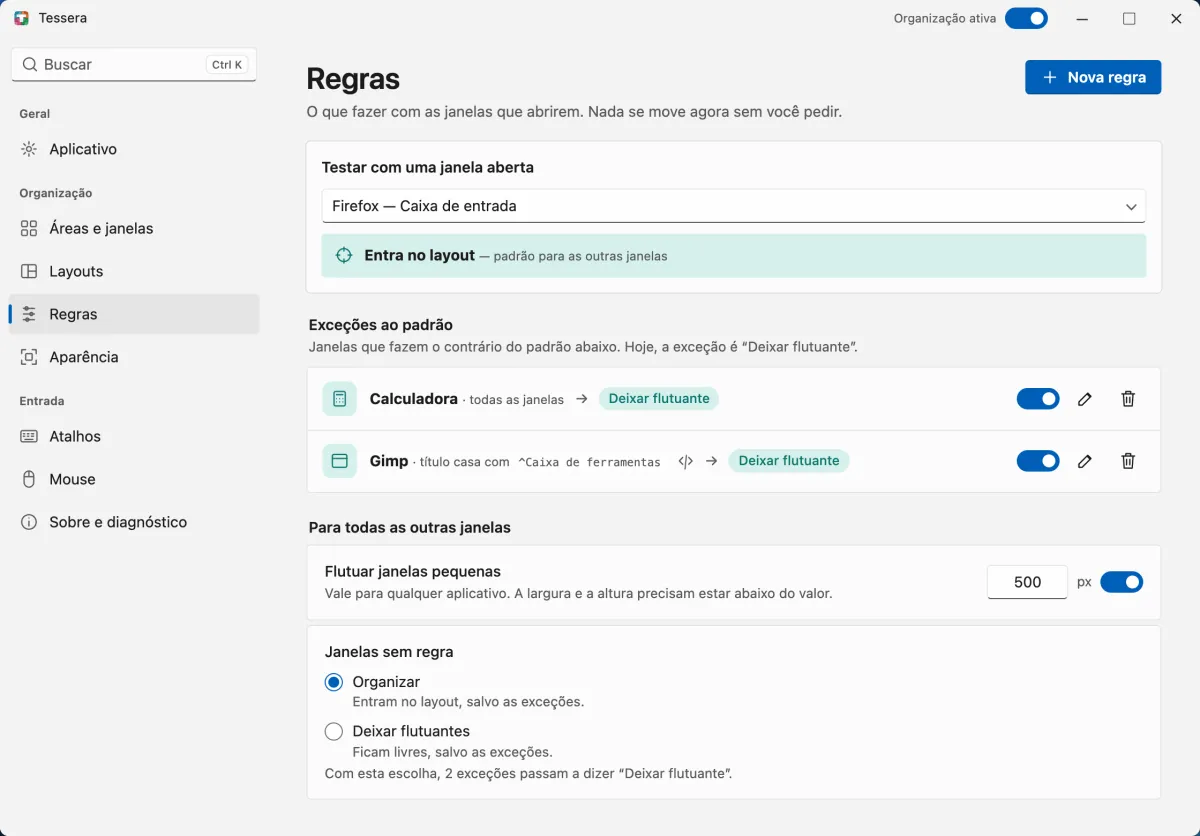
Float windows by class, title, or regex, auto-float small dialogs, and assign apps to workspaces. Choose whether overflow windows move, float, shrink, or minimize.
Margins, padding & title bars
Set gaps between windows, per-edge screen padding, and smart margins when only one window is open. Optionally hide title bars on tiled windows.
MCP server for AI agents
An embedded MCP server exposes 24 tools and 3 resources, off by default. Supports read-only and control modes with peer UID verification.
Mouse focus & drag gestures
Enable focus follows mouse or mouse follows focus when you want them. Drag tiles to swap positions or drag borders to resize.
Tray menu & on-screen HUD
Switch layouts or pause and resume tiling from the native system tray. A translucent on-screen HUD and native notifications confirm changes, with an optional window count.
YAML config & CLI diagnostics
Edit a commented YAML config that preserves unknown keys, or start from the full example template. Inspect state with --debug-info and debug windows or apps, and control the background service.
Supported platforms
All five desktop profiles ship together with native interfaces and dedicated window-management backends.
- XFCE
Status: Supported
- Version covered
- xfwm4 4.20.0
- Integration
- Moves windows through the X11 EWMH protocol.
- Session and architecture
- x11 · x86_64
- Operations
- 27 declared
- GNOME
Status: Supported
- Version covered
- GNOME Shell / Mutter
- Integration
- Opt-in GNOME Shell extension.
- Session and architecture
- wayland · x86_64
- Operations
- 27 declared
- KDE Plasma
Status: Supported
- Version covered
- KWin 6
- Integration
- Opt-in KWin script.
- Session and architecture
- wayland · x86_64
- Operations
- 27 declared
- macOS
Status: Supported
- Version covered
- WindowServer
- Integration
- Accessibility API, with the system's permission.
- Session and architecture
- arm64
- Operations
- 16 declared
- Windows 11
Status: Supported
- Version covered
- DWM
- Integration
- Win32 and DWM window APIs.
- Session and architecture
- x86_64 / arm64
- Operations
- 27 declared
Install
Available now: build from source.
How Tessera sits next to other tools
Tools that organize windows without replacing the window manager. Each cell comes from the project's own documentation and links to it.
Facts checked against each project's public pages on 2026-11-14.
Frequently asked questions
Does Tessera replace my window manager?
No. Tessera asks your window manager to move and resize windows. It never takes its place.
Which languages does it speak?
Ten language catalogs ship built in. Tessera follows TESSERA_LANG, your Preferences choice, or your system language, falling back to English.
Are custom layouts safe to run?
Custom layouts run in a separate process. On Linux, Landlock and seccomp sandbox that process. On macOS and Windows there is no sandbox.
Will Tessera rewrite my configuration?
The configuration is a YAML file. Tessera keeps keys it does not know and never deletes them.
Can AI agents control my windows?
An embedded MCP server is built in and off by default. You can enable read-only inspection or full control mode in Preferences.
What is the license?
MIT. The full text is on the license page.
Join the project
Tessera is open source. Read the code, report a problem, or send a change.